
Free printable · no sign-up
Free Car Coloring Pages: Letter E (Tracing + Coloring PDF)
Download the free PDF
Two pages, ready to print. Pick the size that matches your paper:
Free for personal and classroom use. No account or email needed.
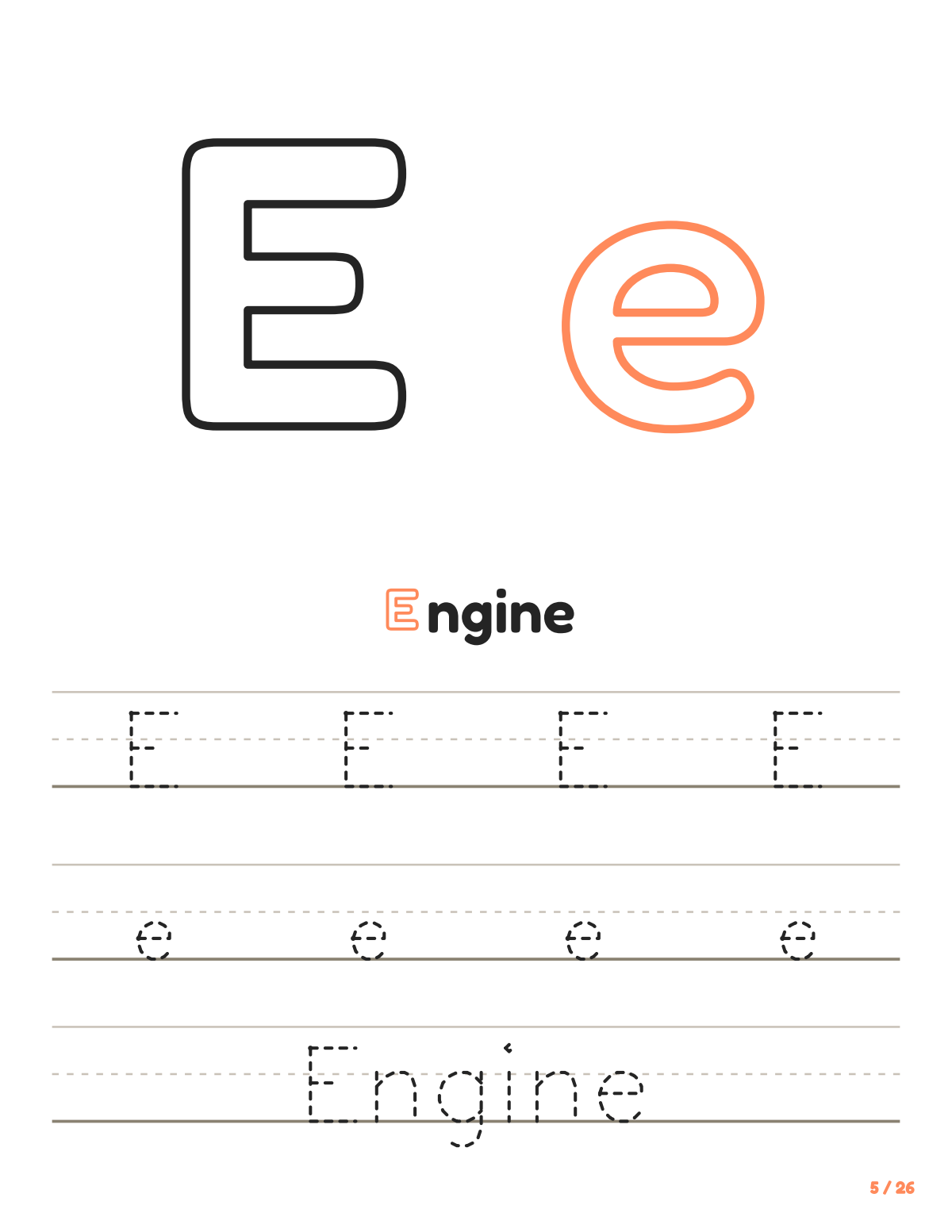
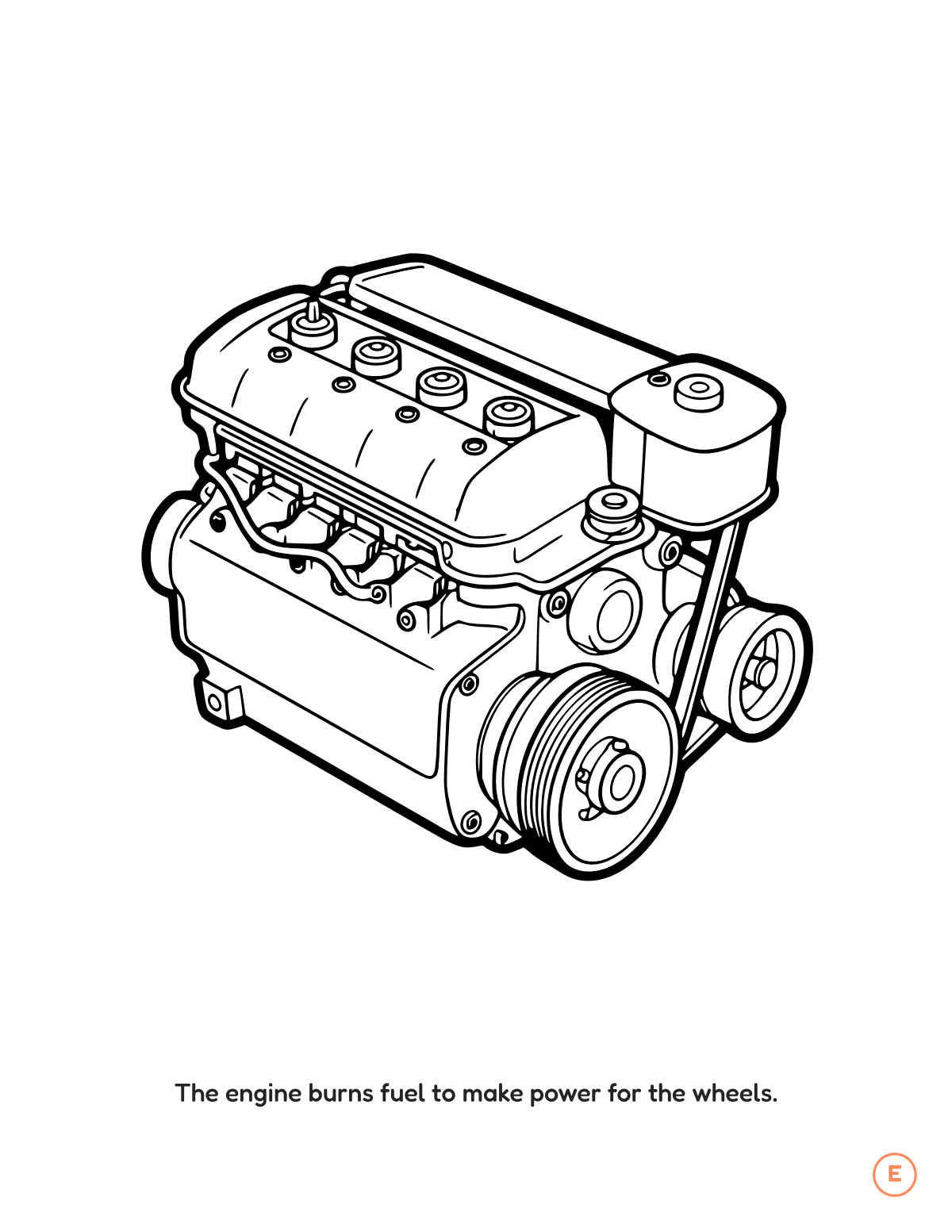
This free printable is the letter E spread from our How Cars Work ABC Coloring Book: a tracing worksheet with big uppercase and lowercase Es, and a car to color. It's made for children 4 to 8 who are starting to recognise letters, and for the grown-ups helping them.
How to use it at home or in class
- Say the letter and its sound together, then point to the car: “E is for car.”
- Trace the dotted letters with a finger first, then with a crayon or pencil. Start at the top of each letter.
- Color the car however your child likes; there is no wrong color.
- Short sessions work best: one page at a time, five to ten minutes.
Printing tips
- Pick the US Letter or A4 PDF to match your paper.
- Print at 100% or "Actual size" with "Fit to page" turned off.
- Plain paper suits crayons and colored pencils; light cardstock holds up to markers.
Want all 26 letters?
The full How Cars Work ABC Coloring Book has 55 pages: a car picture and a tracing page for every letter from A to Z, as an instant PDF download.
The full book: Car Coloring Pages | ABC Letter & Word Tracing for Kids Ages 4-8 (Digital PDF)
55 pages, every letter A to Z, $1.99. Instant PDF download: print at home in US Letter or A4.
More free printables
- Free letter S pages from the Dinosaur Coloring Pages book
- Free letter A pages from the Animal Coloring Pages book
- Free letter B pages from the Dinosaur Coloring Pages book
- All free printables
Questions
Is it really free?
Yes. The PDF downloads straight away: no account, no email address, no payment.
What's in the free PDF?
Two pages from the How Cars Work ABC Coloring Book: the letter E tracing page and the letter E coloring page, in US Letter or A4.
Can I print it for my class?
Yes, print as many copies as you need for your own home or classroom. Please share a link to this page rather than the file.
What print settings should I use?
Print at 100% or "Actual size". Turn off "Fit to page" and "Shrink" so nothing is cut off at the edges.
Illustrations made with AI assistance. Every page is checked by hand.